
Six guides to downloading software safely
Each guide covers one part of getting software onto a computer or phone without getting something else along with it. Read them in order the first time; after that, the checklist is the page to keep open.
-
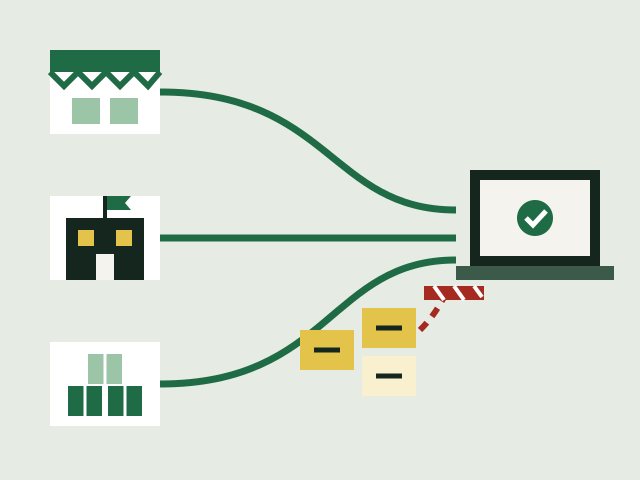
Where to get software: stores, vendor sites and package managers
The three safest places to get software from, what each one checks before it reaches you, and why search ads and download portals are the risky route.
-
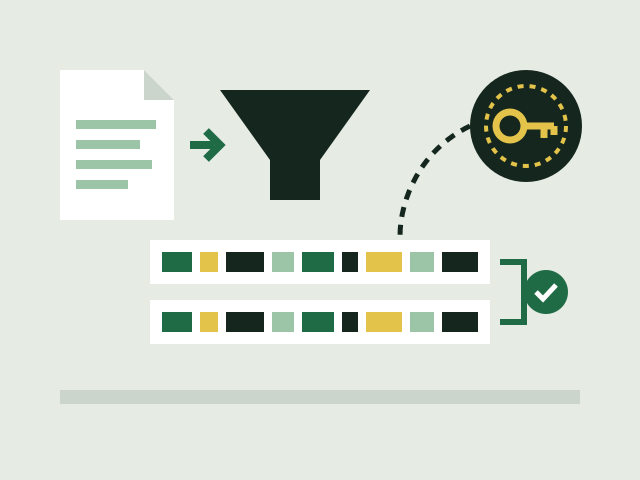
Checking hashes and signatures before you install
What a checksum and a digital signature each prove about a download, how to compute a SHA-256 hash on Windows and Linux, and the mistakes that make the check worthless.
-
Open source licences: the basics for people who just want to use the software
What makes a licence open source or free software, how copyleft licences differ from permissive ones, and what a licence does and does not ask of someone who only runs the program.
-
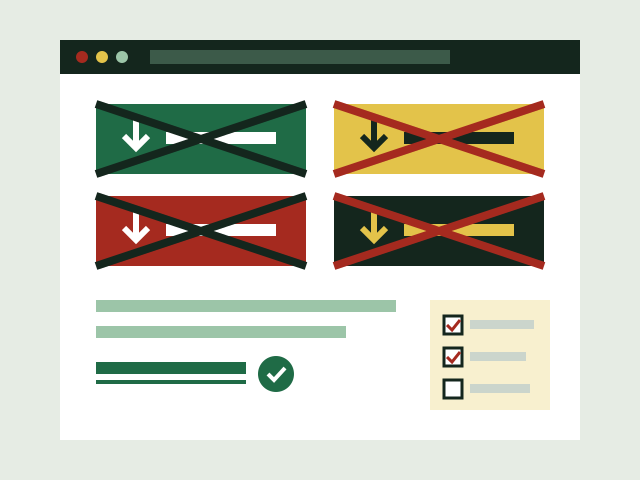
Bundled adware and fake download buttons
How search ads, look-alike download buttons and installers with extra offers lead people to the wrong software, and the signs that something unwanted came along with a download.
-
Keeping software updated, and what to do when updates stop
Why security agencies rank updating as one of the most effective things you can do, how to turn on automatic updates, how to spot a fake update prompt, and what end of life means.
-
After a bad download: what to do, in order
The signs that a download has gone wrong, and the steps CISA, the NCSC and the FTC set out: stop signing in, update and scan, reset or reinstall, change passwords, restore and report.
-
Before you install: a download checklist
One page of checks to run before, during and after installing any program or app, each tied to the security agency or operating system document it comes from.