
Get software from the right place, and check it
Place77 is a plain-language field guide to downloading software safely: where to get it, how to tell the real download from a look-alike, how to check that a file has not been changed, and what to do if something goes wrong. Every check comes from a government security agency or the operating system's own documentation.
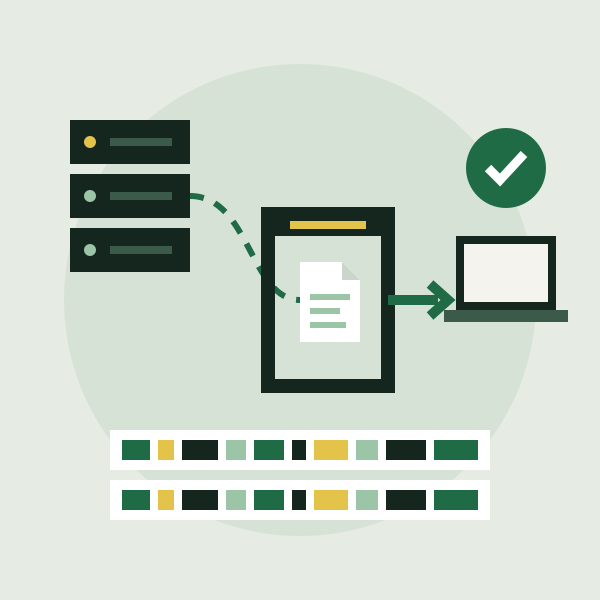
- Where is it from?An official app store, the maker's own site reached by typing its address, or your system's package manager.
- Is it the file they published?A matching checksum or a valid signature shows it was not changed on the way.
- Will it stay patched?Turn on automatic updates, and plan for the day the software stops getting them.
Six guides, from choosing a source to cleaning up
Each guide stands on its own, but read in order they follow one download from the search box to the installed program and beyond. Every guide names the documents it is based on and the date it was last reviewed against them.
-
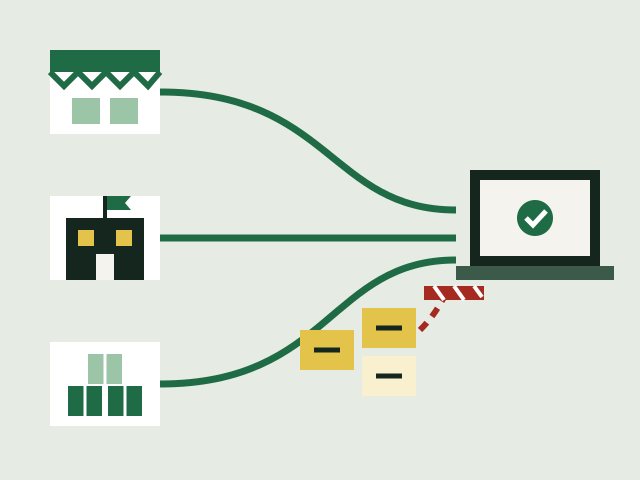
Where to get software
Official app stores, the maker's own site, and package managers.
-
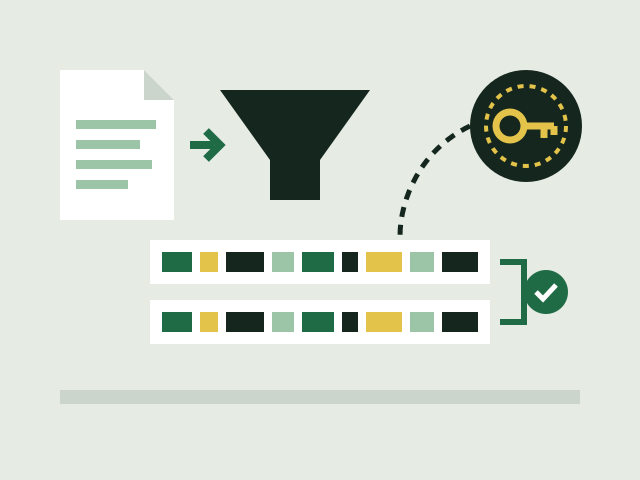
Hashes and signatures
What a checksum proves, what a signature adds, and how to check both.
-
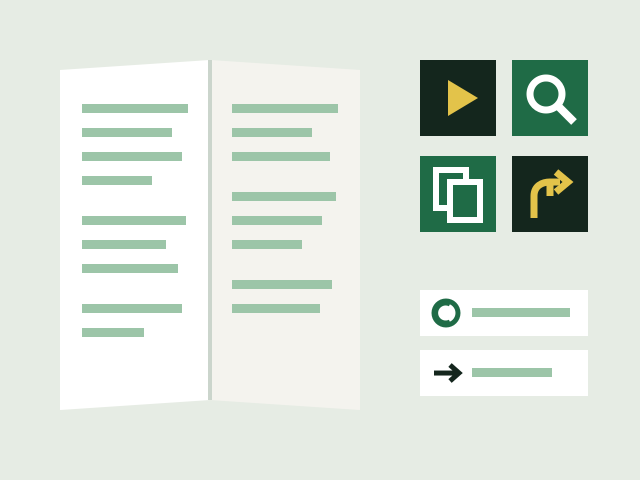
Open source licences
Open source, free software, copyleft and permissive licences in plain terms.
-
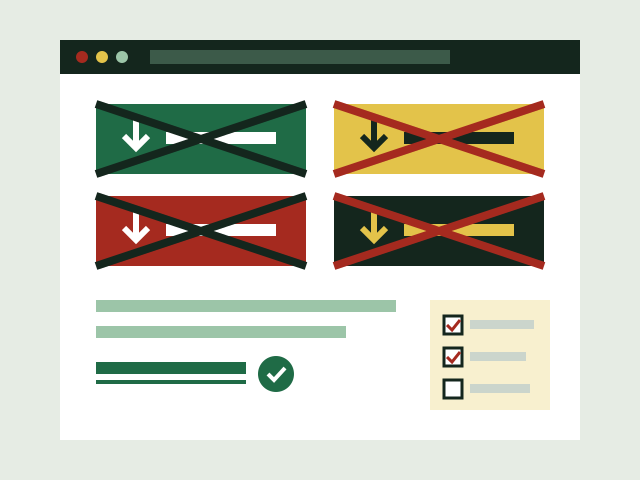
Adware and fake buttons
Look-alike buttons, ads posing as downloads and extras hidden in installers.
-
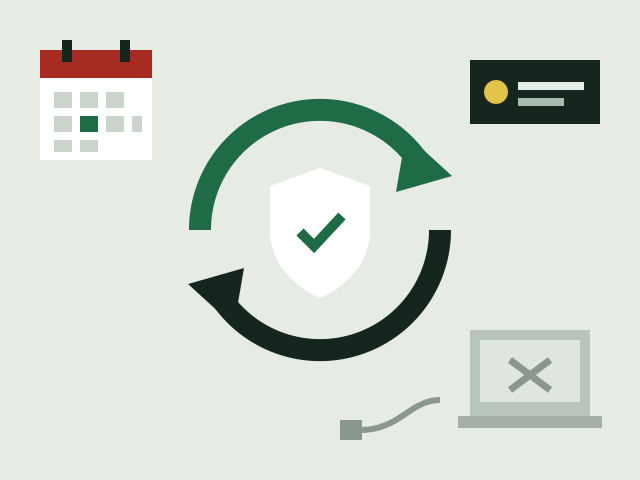
Keeping software updated
Automatic updates, fake update prompts and software that is no longer supported.
-
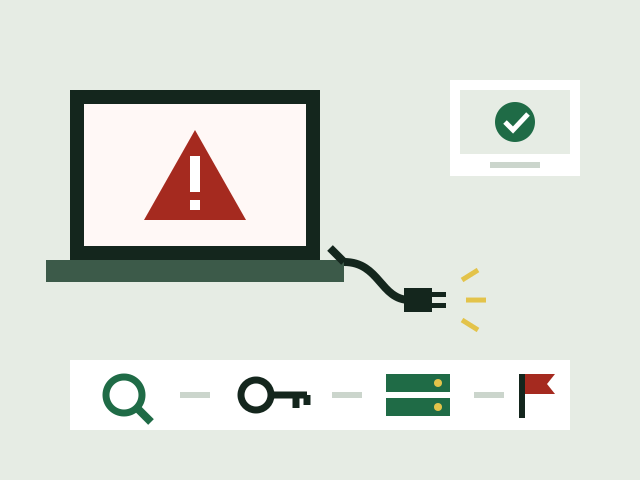
After a bad download
Signs of infection, cleaning up, passwords, backups and reporting.
Advice you can trace back to its source
Download safety is full of folk wisdom, much of it out of date. This guide takes the narrower path. It repeats what CISA, the UK National Cyber Security Centre, the US Federal Trade Commission and NIST publish for ordinary users, and what Microsoft, Apple, Google and the major Linux distributions document about their own safety checks. Each page names the documents it relies on.
- No downloads, no links to themThis site hosts no software, mirrors nothing and sends you to no download page. It explains how to find the official one yourself.
- No product picksIt does not review or recommend programs, antivirus products or download sites. Operating system tools are named only as examples of what is already built in.
- Sources named on every pageEach guide lists the agency and vendor documents behind it, and the date it was last checked against them.
The short version, as a checklist
- Type the maker's address yourself instead of clicking an advert
- Prefer the official store or your package manager when they carry it
- Compare the SHA-256 checksum, or check the signature, when one is published
- Read every installer screen and untick offers you did not ask for
- Treat warnings from SmartScreen, Gatekeeper or Play Protect as real
- Turn on automatic updates and retire software that no longer gets them
The checklist page sets out every check on this site in the order you would use it, before, during and after an install, with the document each one comes from.